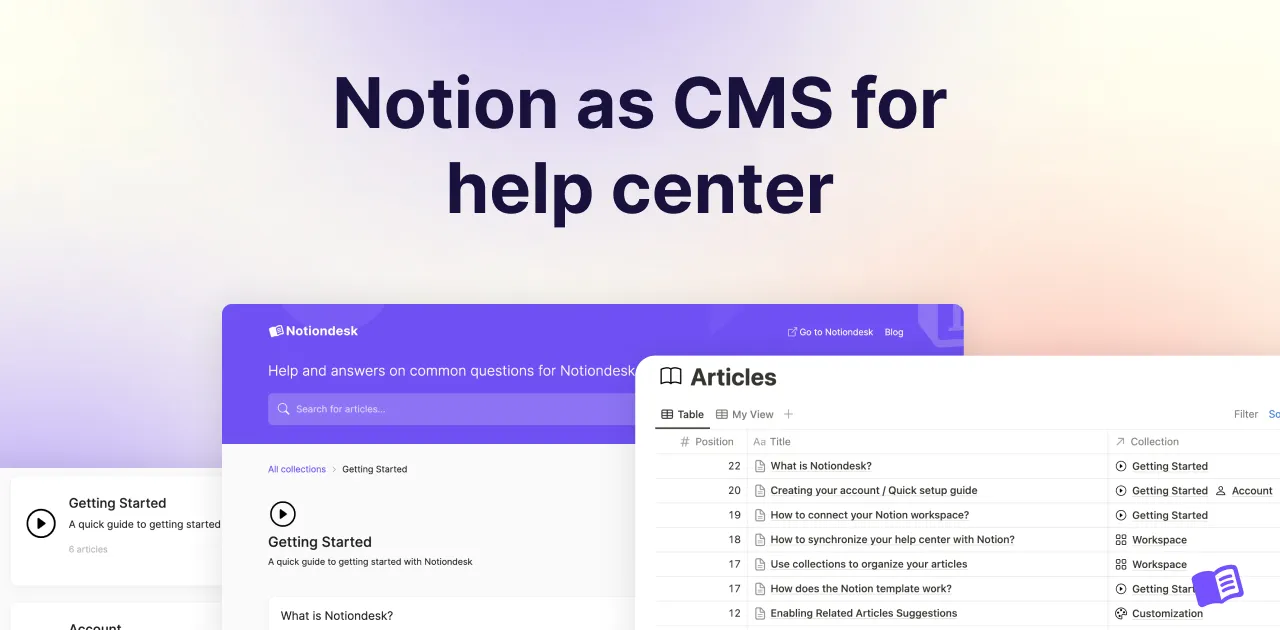
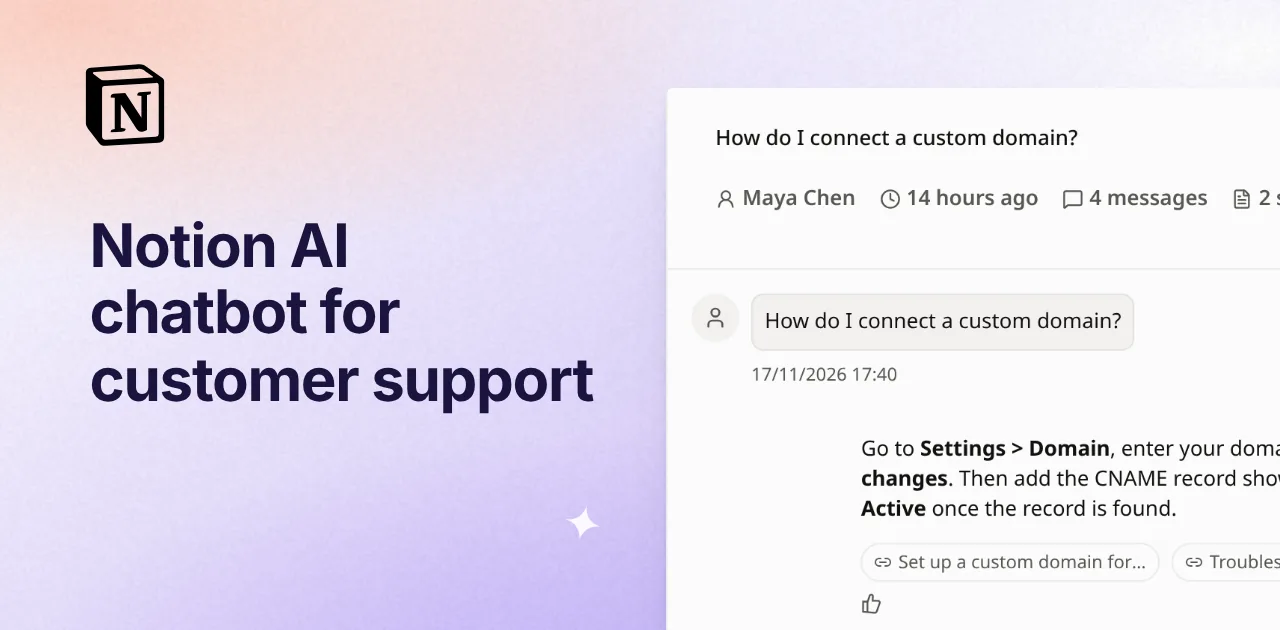
A Notion AI chatbot for customer support answers your customers from the help articles your team already writes in Notion.
The idea is simple: one source of truth, and fewer copies of the same reply going out from your inbox every week. You can get there with Notion's own AI and agents, or with a customer support platform like Notiondesk that publishes your Notion pages as a help center and puts a chatbot in front of them.
Here is what each route covers, how to set one up and how to keep the answers right.
Table of contents
- What is a Notion AI chatbot for customer support?
- Can Notion AI answer your customers?
- How the Notiondesk AI Chatbot answers from your Notion docs
- How to set up the AI Chatbot
- Make it sound like your support team
- Bring the chatbot into your product with Messenger
- Answer customers in their language
- Keep answers accurate with conversation reviews
- What the AI Chatbot costs
- Let AI assistants use your docs too: MCP
- FAQ
- Do you need to retrain the chatbot when you edit a page in Notion?
- Will the chatbot make up answers?
- Can the chatbot hand customers over to a person?
- Does it work in several languages?
- Can you keep the chatbot for signed-in customers only?
- How much does an AI chatbot for a help center cost with Notiondesk?
- The best Notion AI chatbot for customer support
What is a Notion AI chatbot for customer support?
It is a chatbot your customers talk to, not your team, and it answers only from documentation you write and publish from Notion. A good one links the articles behind every answer, admits when the docs do not cover a question, and hands the customer to a person instead of guessing.
That last part matters more than the AI itself. A chatbot that sounds confident and is wrong costs you more than no chatbot at all, because the customer now has to unlearn the answer before your team can help.
Before you pick a tool, check it against the job:
| What customers need | Why it matters |
|---|---|
| Answers from your docs only, with links | Customers can check the source, and you can see where an answer came from |
| An honest "I don't know" | Gaps send people to your team instead of to a made-up answer |
| Their own language | A French customer should not have to ask in English |
| Help where they already are | Your help center, your website and your product |
| Your tone | A developer tool and a consumer app should not sound the same |
| A record of every conversation | The questions customers ask show you which pages to write next |
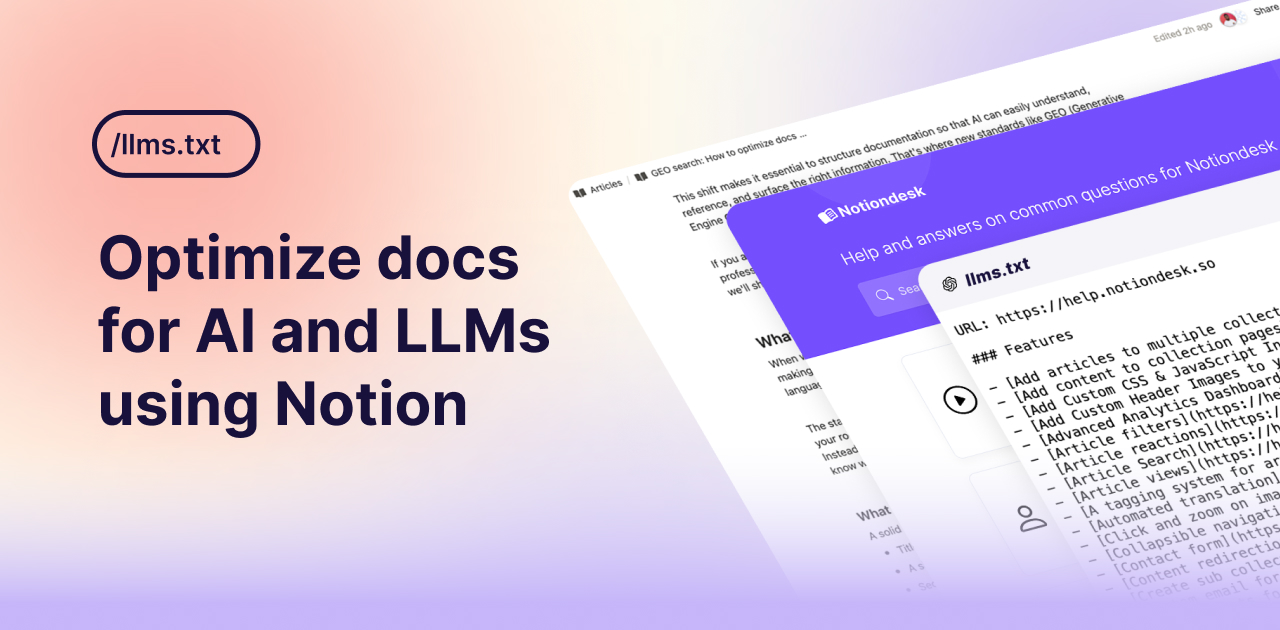
If what you actually want is for ChatGPT, Claude or Perplexity to read and cite your docs, that is a different problem, mostly about structure. The guide on optimizing Notion docs for AI and LLMs covers that side.
Can Notion AI answer your customers?
Not on its own. Notion AI answers questions about your workspace for the people inside it. Notion also has a Customer support bot agent template that watches Slack channels, searches your workspace and replies in the thread with cited answers.
That works if your customers already sit in shared Slack channels with you. Most do not. The visitor on your pricing page at 11 pm will not join your Slack, and your Notion workspace is not something you hand to customers. For public answers, the docs need to be published somewhere customers can reach, with the chatbot in front of them.
| Notion AI and agents | Notiondesk AI Chatbot | |
|---|---|---|
| Who can ask | People in your Notion workspace, or Slack channels you connect | Anyone visiting your help center, or signed-in customers only if you choose |
| Where it answers | Inside Notion and Slack | In AI Search on your help center and in Messenger on your website or app |
| What it answers from | Your workspace | The articles you publish from Notion |
| Sources | Cited in the reply | Linked under every answer |
| Languages | The workspace's content | Every language active in your help center |
| Conversation review | Not built for customer conversations | Every conversation with its sources and feedback |
How the Notiondesk AI Chatbot answers from your Notion docs
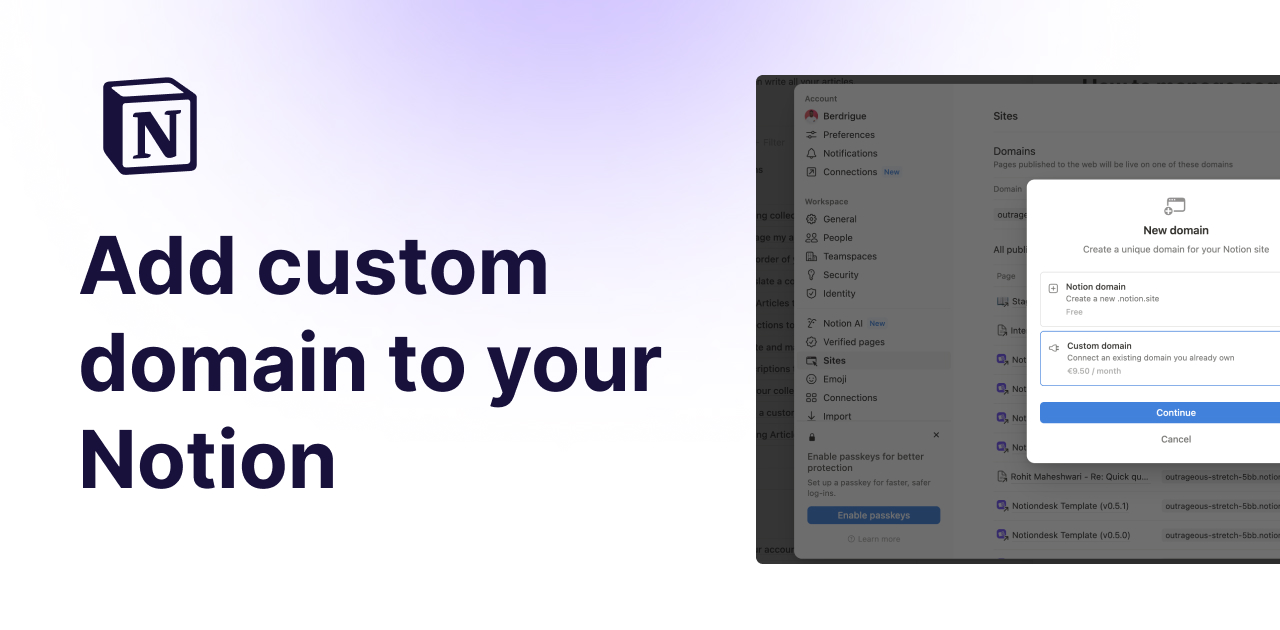
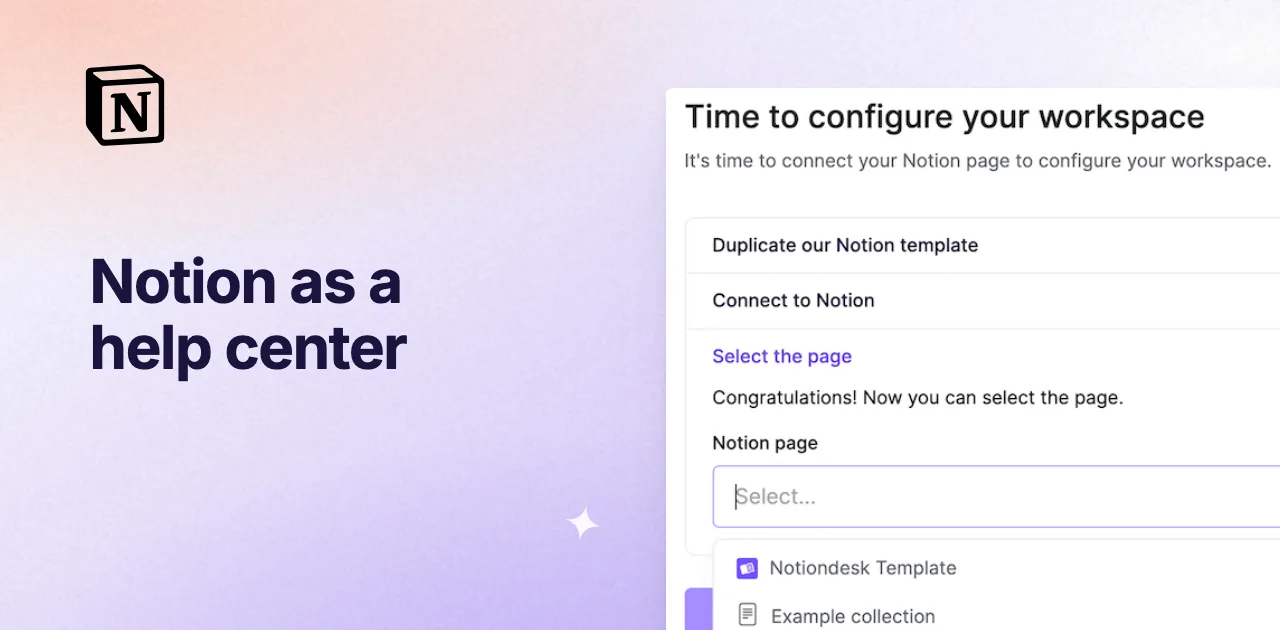
Notiondesk is a customer support platform built on Notion. It brings your help center, AI Chatbot, Messenger widget, Inbox, Tickets and changelog into one place, with MCP and a REST API to connect your other tools. You write in Notion, and Notiondesk publishes those pages as a branded help center on your own domain. The AI Chatbot sits on top of that help center and reads the articles you publish. There is no training step and nothing to upload. Publish a page, and the chatbot can use it. Edit it, and the next answer uses the new version.
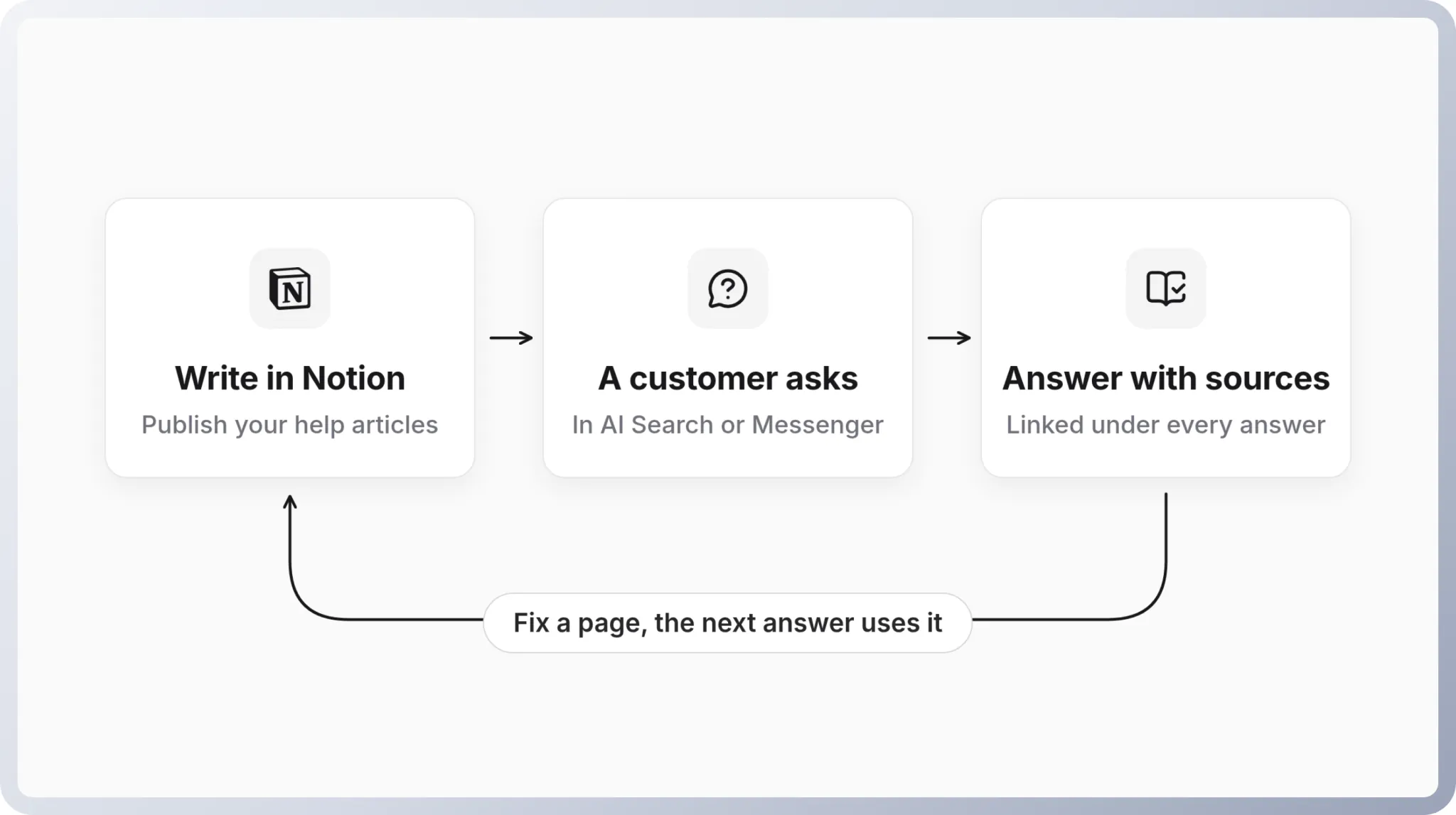
A visitor types a question the way they would ask a person, say "Can I password protect my help center?". The chatbot writes a short answer from your articles and lists the ones it used underneath, so the customer can open the full page. They can keep asking follow-ups in the same conversation, and a thumbs up or down tells you whether it helped.
When the articles do not cover the question, the chatbot says so and suggests contacting support or reading related articles. Drafts never reach it. The article's status in Notion decides what the chatbot knows, which is the kind of control you want before letting software talk to customers.
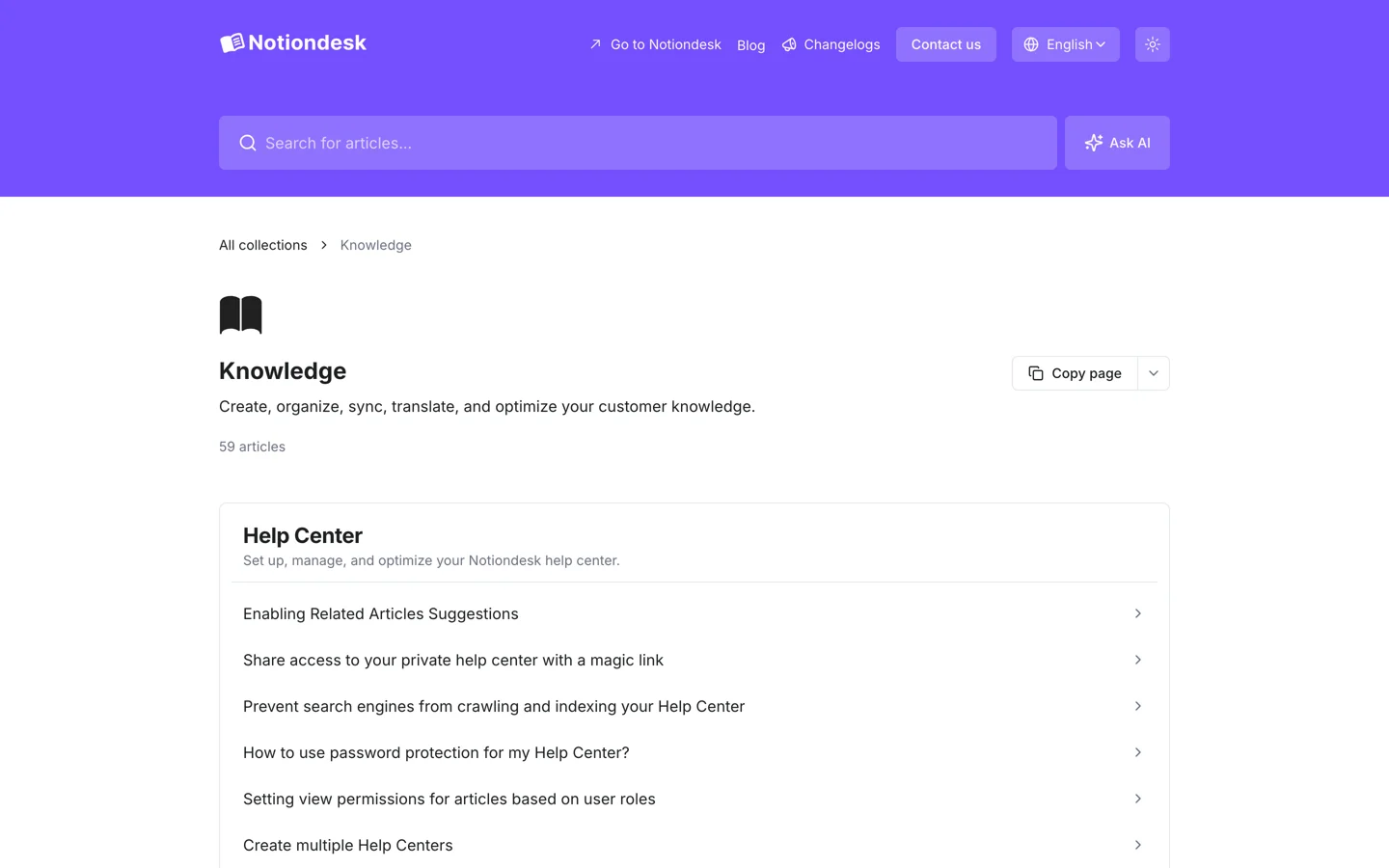
On your help center, the chatbot lives in AI Search, next to the search bar, so visitors get an AI answer and the regular results in the same place.
How to set up the AI Chatbot
Publish a handful of articles first. A chatbot with five pages behind it will say "I don't know" a lot, and that is the correct behavior. Then follow the setup guide:
- In your Notiondesk dashboard, go to Settings > AI Chatbot, turn on Chatbot and give it a Name customers will recognize, like "Ask Acme". Click Save changes.
- Go to Settings > Customize, open the AI Chatbot section and turn on AI Search.
- Pick a Display Mode. Modal opens the answer in a centered overlay, which suits quick questions and phones. Aside Panel opens it on the side so visitors keep reading, and you choose the left or right side.
Before you announce it, ask the chatbot the ten questions your team answers most often. Read the sources under each answer. When an answer is off, fix the page.
Make it sound like your support team
Two settings in Settings > AI Chatbot, under Behavior, change how the chatbot talks without changing what it says. The tone and answer length guide has examples of each.
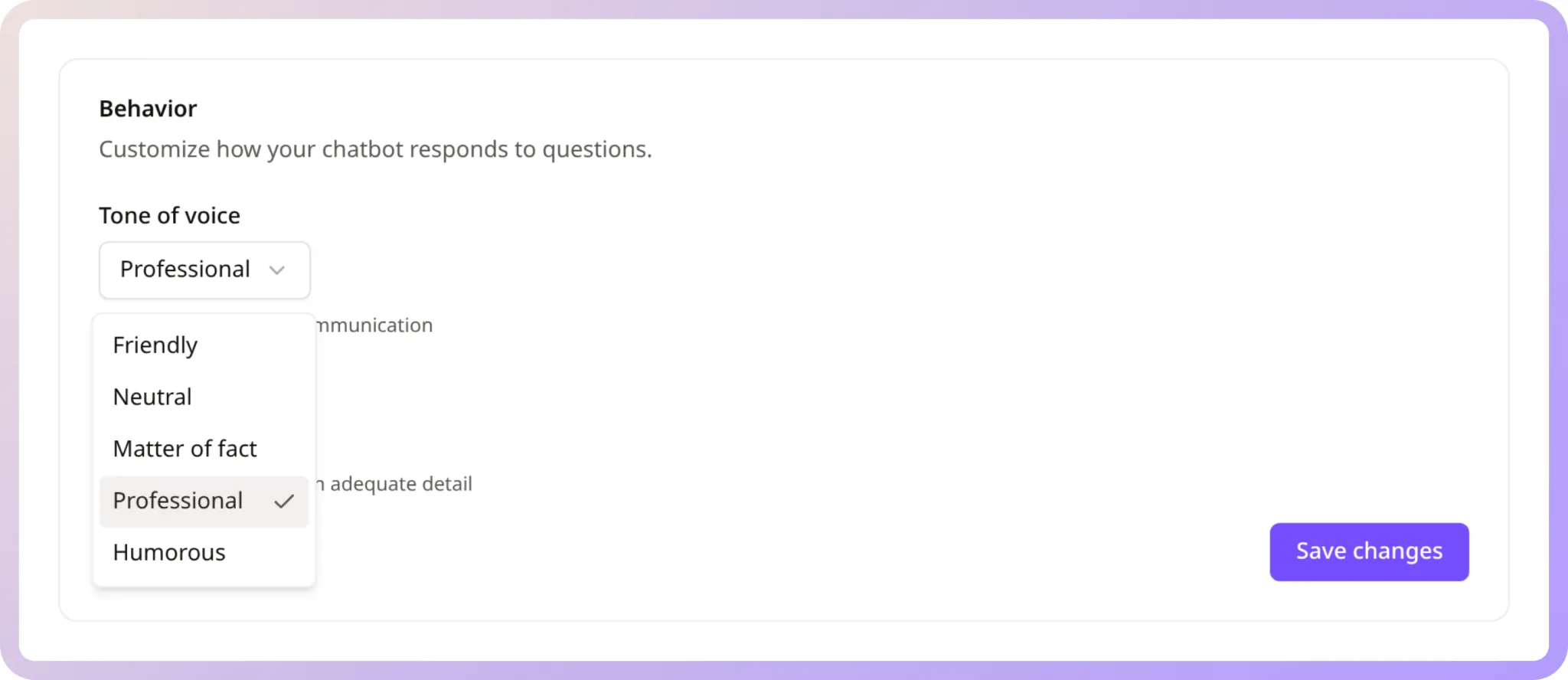
Tone of voice has five options: Friendly, Neutral, Matter of fact, Professional and Humorous. Developer tools usually do well with Matter of fact, B2B software with Professional, consumer apps with Friendly. Humorous is fun until someone asks about a failed payment, so try it on real questions first.
Answer length is Concise, Standard or Thorough. Standard fits most help centers. Concise suits quick FAQs and mobile traffic. Thorough is for complex products where customers would rather read than ask again.
Then come guidances, which is where the chatbot stops sounding generic. Guidances are plain-language instructions the chatbot follows in every conversation where they apply. You can add up to 20, sorted into communication style, content sources, context clarification and other, or start from a template.
Write them the way you would brief a new support hire on day one:
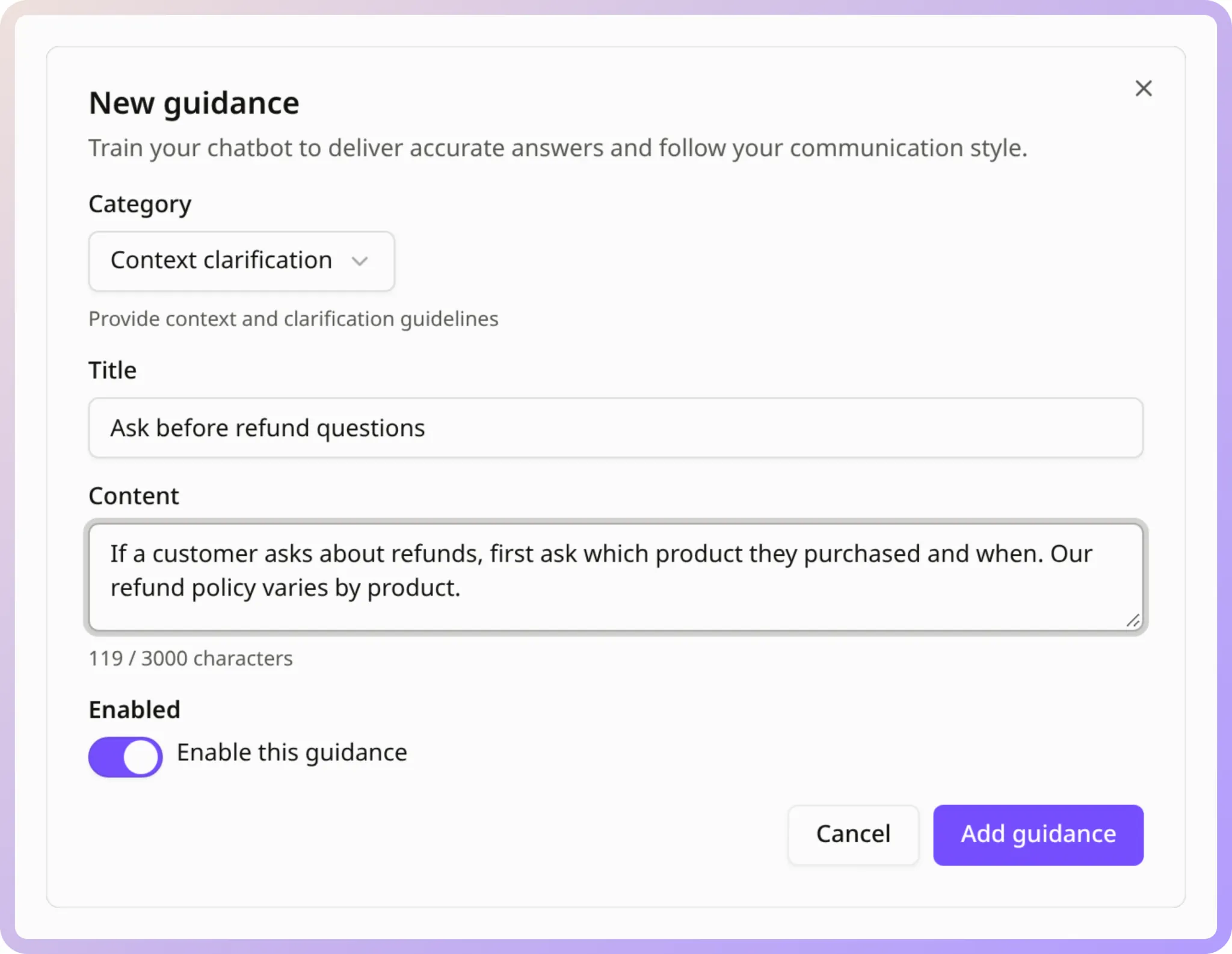
Keep each guidance to one behavior and say when it applies. Talk to the chatbot as "you". If you write "don't", say what to do instead. Three to five guidances on your most common issues beat twenty vague ones, and the guidance best practices show more examples.
Bring the chatbot into your product with Messenger
Your help center is one place customers ask. Your product is the other, and it is usually where the question starts. Notiondesk Messenger puts support inside your website or app behind one launcher.
The Messages module runs conversations with your AI Chatbot, so customers get the same sourced answers without leaving the page they are stuck on. Next to it you can turn on Home, Help to browse and search your articles, Contact to reach your team, and Changelog for your latest updates. If customers are signed in to your app, Messenger can identify logged-in users, so you know which customer is asking.
It installs with a script tag on a standard website, or with the Messenger SDK for React, Next.js, Vue and Nuxt.
Answer customers in their language
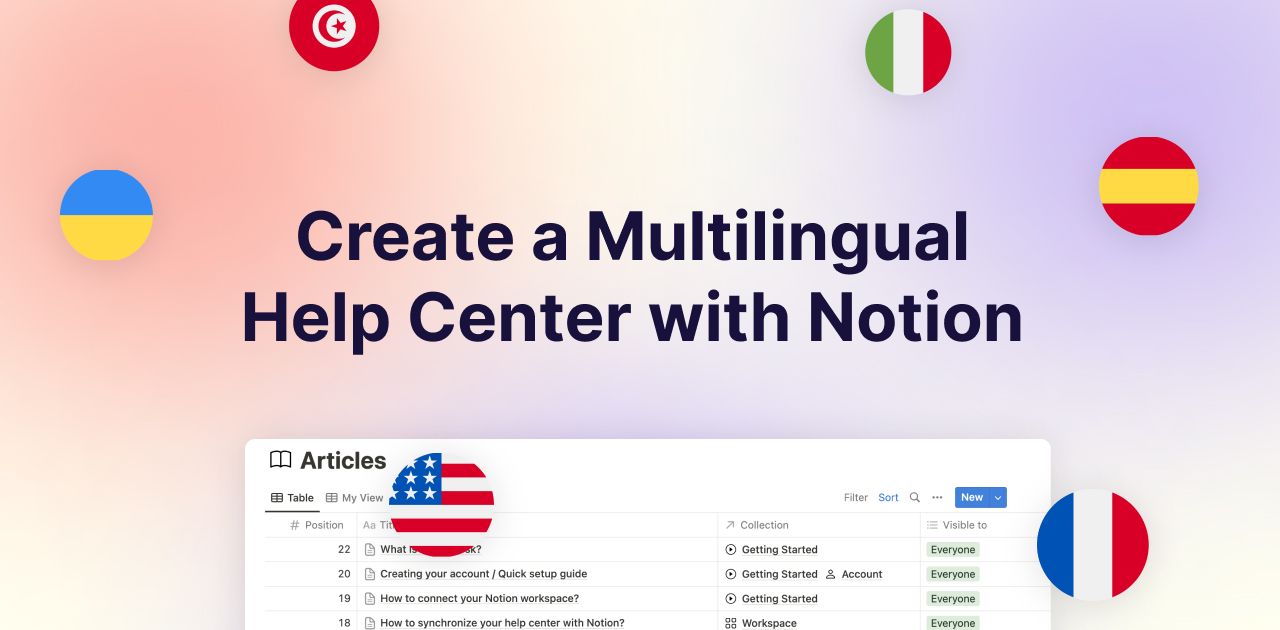
The AI Chatbot answers in every language active in your help center. Pair it with AI Automated Translation and your team writes each article once in Notion while Notiondesk translates it into your other languages, from 48 supported languages. A customer in Madrid reads the Spanish article and gets a Spanish answer, and nobody on your team had to write either. The guide to building a multilingual help center with Notion shows the full setup.
Keep answers accurate with conversation reviews
The chatbot is only as good as the pages behind it, and its conversations tell you exactly which pages need work. Open AI Chatbot in the dashboard sidebar to see every conversation with its first question, the date, the number of sources used and the feedback. Open one to read the full exchange and the articles behind each answer.
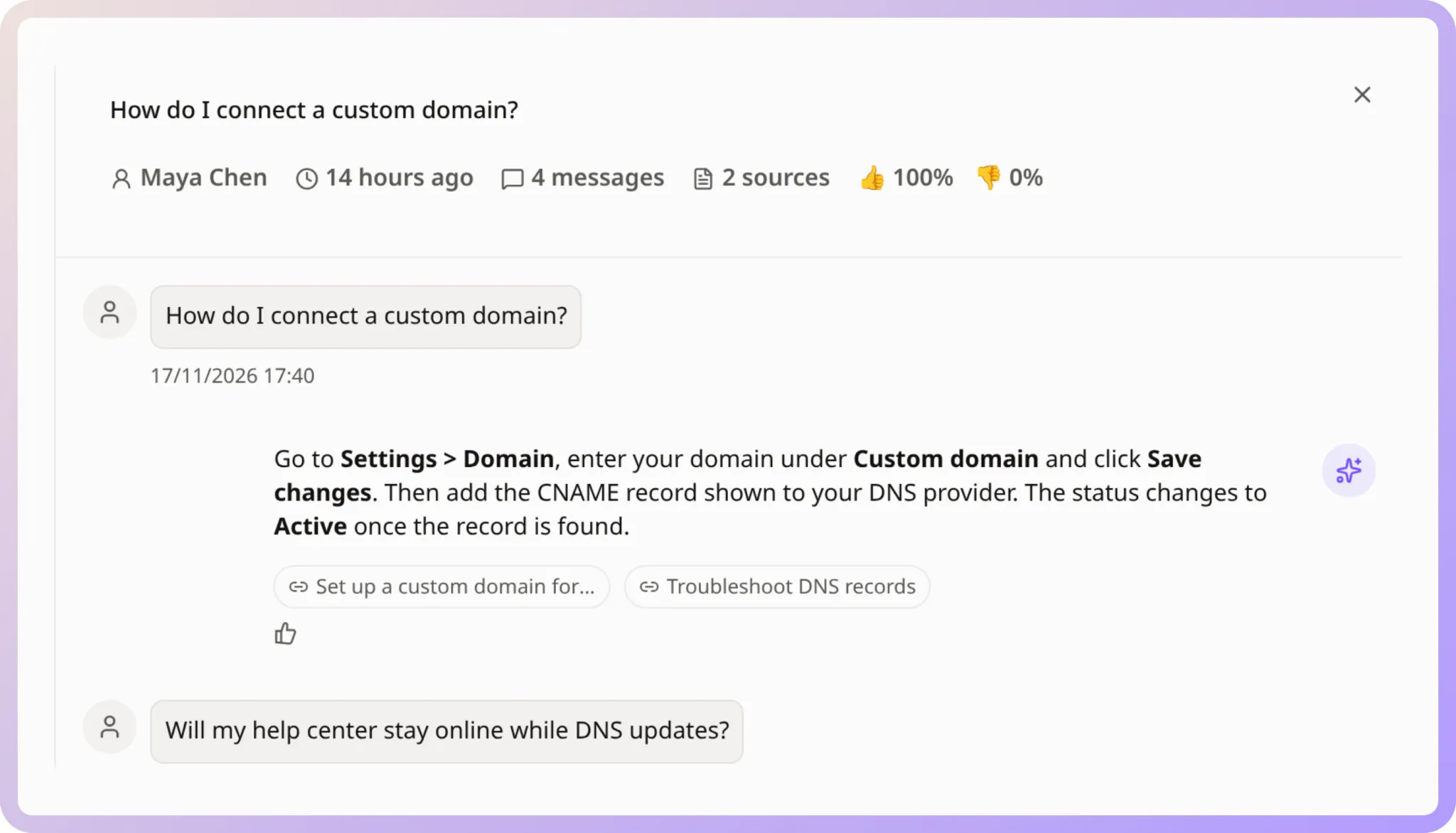
A weekly 15-minute pass is enough for most teams. Look for three patterns, described in how to review chatbot conversations:
- The chatbot keeps saying it has no information on a topic. That article does not exist yet. Write it.
- Customers ask for a person on the same issue again and again. The article exists but does not settle the question, so add detail or clearer steps.
- A question gets misread. Add a guidance that explains the term or asks a follow-up first.
Fix the page in Notion and the chatbot answers from the new version, with no retraining.
For a private help center or a customer portal, you can also restrict the chatbot to logged-in users, so only signed-in customers can start a conversation.
What the AI Chatbot costs
You pay per resolution: $0.49 each time a conversation is resolved, meaning the visitor confirms the answer helped or leaves without asking for more help. Every month includes 30 free resolutions. Failed attempts, escalations to your team and replies to a simple greeting are never charged, and one conversation is billed once even if it covers several questions. The exact rules are in how resolutions are counted and billed.
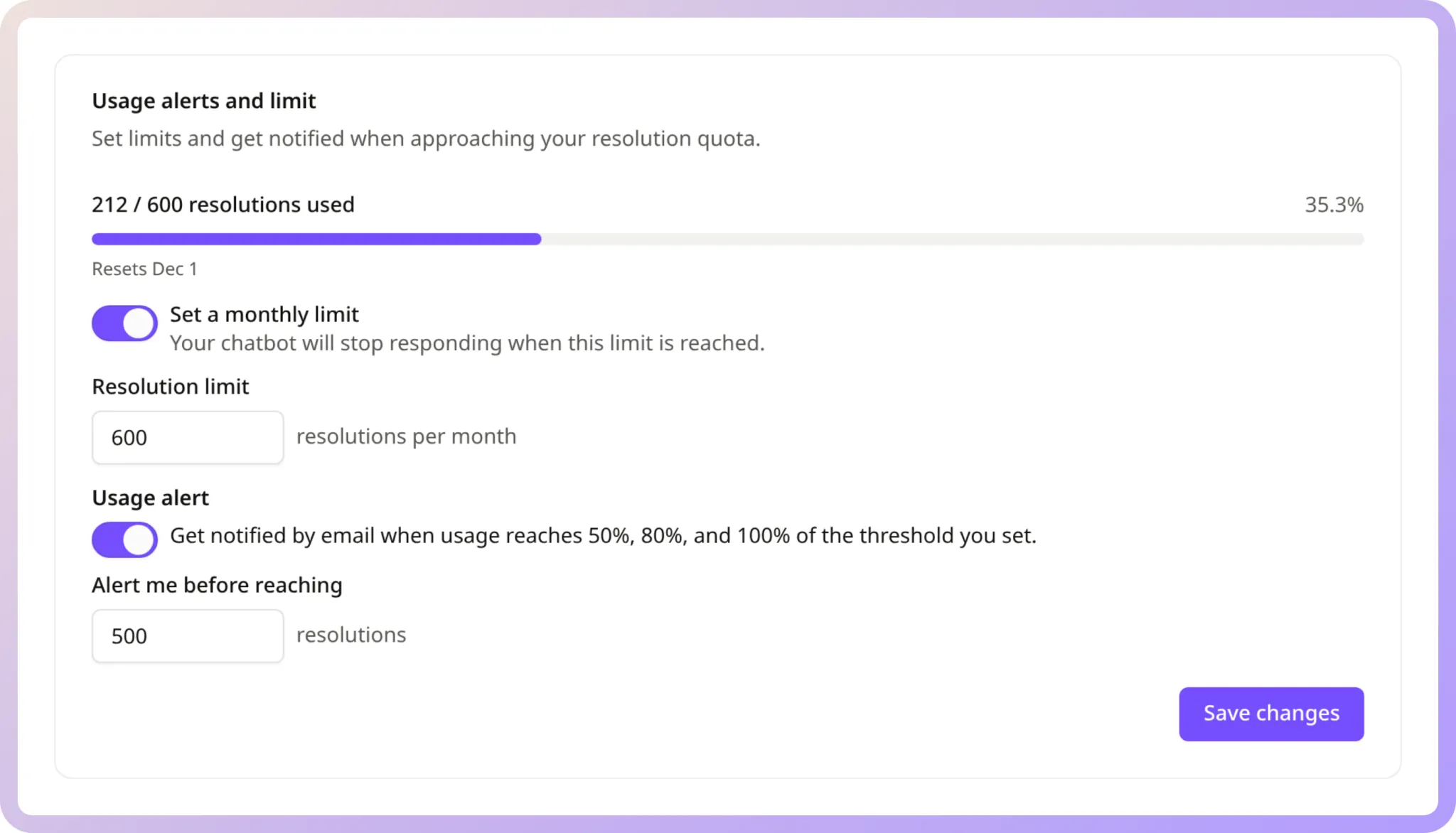
You also decide the ceiling. A monthly resolution limit pauses the chatbot when you reach it, and usage alerts email you at 50%, 80% and 100% of a threshold you choose.
Let AI assistants use your docs too: MCP
Plenty of customers ask ChatGPT or Claude before they ever open your help center. MCP Search makes your published help center available to ChatGPT, Claude, Cursor and Codex through the Model Context Protocol, so those assistants search your current articles, collections and changelog instead of guessing. It is read-only and limited to published content.
On your side, Workspace MCP lets your own AI assistant go through chatbot conversations with negative feedback, group the recurring problems and suggest new guidances for you to approve. The weekly review above becomes one prompt.
FAQ
Do you need to retrain the chatbot when you edit a page in Notion?
No. The Notiondesk AI Chatbot answers from your published help center. Edit and publish the page, and the next answers use the new version.
Will the chatbot make up answers?
It answers only from your published articles. When they do not cover a question, it tells the visitor and suggests contacting support or reading related articles.
Can the chatbot hand customers over to a person?
Yes. It points visitors to your support team when it cannot help, and in Messenger the Contact module sits right next to the AI conversation.
Does it work in several languages?
Yes. It answers in every language active in your help center, and AI Automated Translation fills those languages from the articles your team writes once.
Can you keep the chatbot for signed-in customers only?
Yes. Set the access mode to authenticated only, and visitors need to be logged in before they can start a conversation.
How much does an AI chatbot for a help center cost with Notiondesk?
$0.49 per resolved conversation, with 30 free resolutions every month. You can set a monthly limit and usage alerts.
The best Notion AI chatbot for customer support
Notion AI and its agents are built for the people inside your workspace and your Slack.
For customers, Notiondesk is the stronger route. It is a customer support platform that publishes your Notion docs as a help center on your domain, answers from them with sources, sounds like your team through tone and guidances, follows customers into your product with Messenger, speaks their language and reaches ChatGPT and Claude through MCP. And you only pay when a conversation is resolved. Inbox, Tickets, the changelog and the REST API sit on the same platform, so the chatbot is one part of how you run support, not a tool on the side.